



Job seekers
You want to change careers and move into the digital field, even without a technical background. We support you step by step to learn the fundamentals, structure your plan, and target your first role.
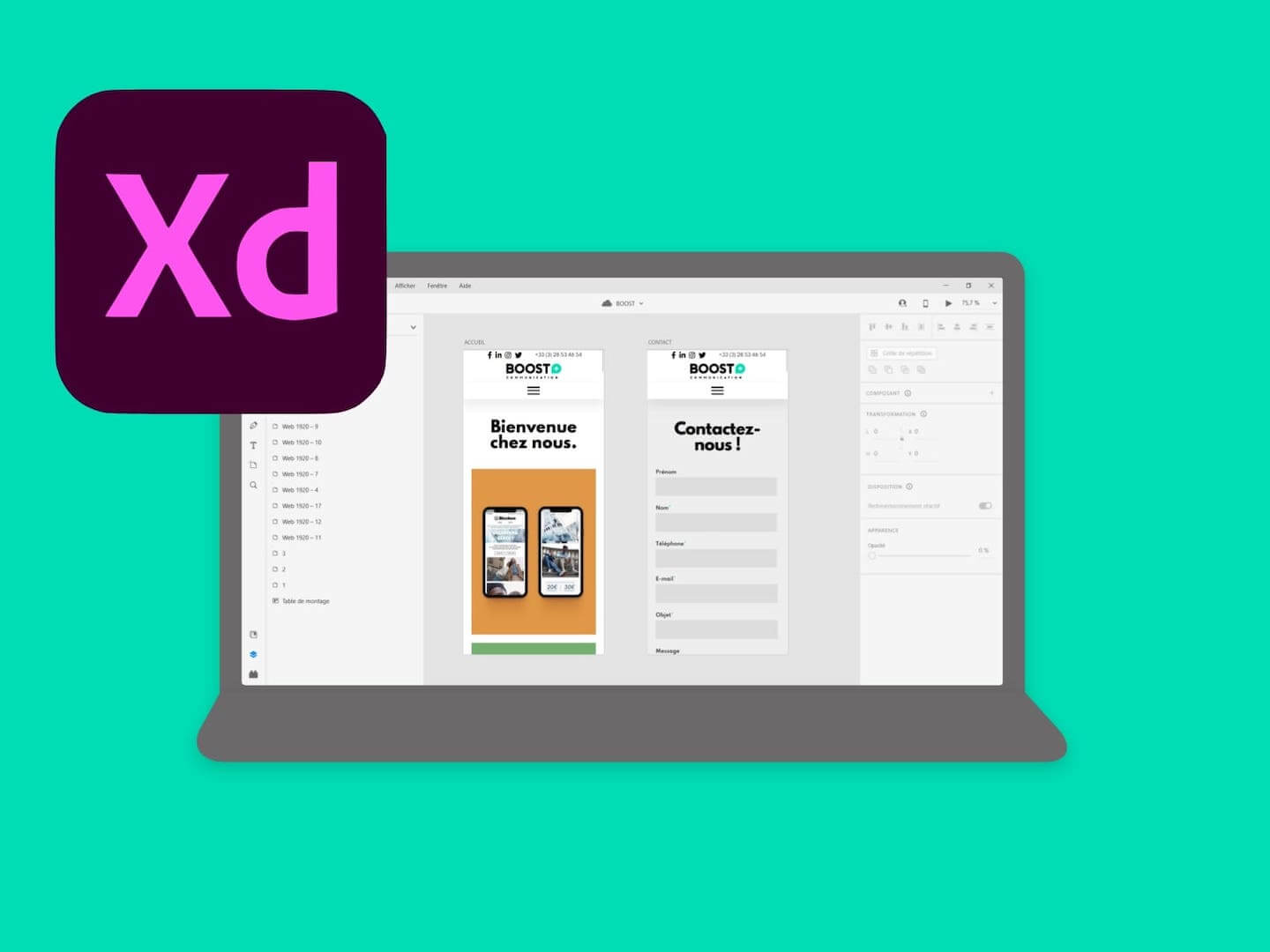
Adobe XD is a UI/UX design and prototyping tool developed by Adobe. It enables designers to create high-fidelity mockups, interactive prototypes, and design systems, then share them with developers and stakeholders. Integrated with Creative Cloud, Adobe XD supports the full design workflow for web and mobile applications.
Our assistant helps you pick the right course, funding options and level of support.
Course Name: Adobe XD Essentials. . Course Overview: In this course, you will learn the essential skills required to design and prototype mobile and web applications using Adobe XD. You will learn how to create wireframes, design layouts, use design assets, and create interactive prototypes.. . Course Duration: 4 weeks (16 hours). . Prerequisites: Basic computer skills and knowledge of graphic design principles. . Learning Objectives:. . By the end of this course, you will be able to:. . - Understand the interface and tools of Adobe XD.. - Create wireframes and mockups for web and mobile applications.. - Design layouts using typography, color, and shapes.. - Import design assets and manage design libraries.. - Create and manage artboards for multiple designs.. - Create interactive prototypes and user flows for web and mobile applications.. . Course Outline:. . Week 1: Introduction to Adobe XD. . - Introduction to Adobe XD interface and tools. - Setting up an XD project. - Creating and managing artboards. - Working with layers and groups. . Week 2: Designing Layouts. . - Introduction to design principles. - Using typography, color, and shapes in design. - Creating design assets and managing design libraries. - Designing layouts for web and mobile applications. . Week 3: Prototyping. . - Introduction to prototyping principles. - Creating interactive prototypes and user flows. - Adding interactivity using components and overlays. - Testing and sharing prototypes. . Week 4: Advanced Features. . - Using plugins and add-ons to extend XD functionality. - Working with design systems and components. - Collaborating and sharing designs with team members. - Best practices for design and prototyping in Adobe XD
The objective of the Serious Game is to stimulate the creativity of participants by using the tools and features of Adobe Creative Cloud applications. It encourages the learning and practice of design and creation skills while promoting collaboration and problem solving.
How the game works: Ilaria Digital School gives an overview of the various Adobe Creative Cloud applications, their features, and their use in various design contexts.
Formation of teams: Participants are divided into teams of 3 to 5 people, depending on the number of participants. Each team will have access to a computer equipped with Adobe applications.
Challenge announcement: Each team is assigned a specific design challenge. This may be the creation of a poster, an illustration, a logo, an animation, etc. The teams receive a detailed briefing on the objectives of the challenge, the target audience, the constraints and the success criteria.
Creation time: Teams have a set amount of time to design and create their projects using Adobe tools. They can use applications like Photoshop, Illustrator, InDesign, Premiere Pro, After Effects, and more.
Presentation of the projects: Each team then presents its project to the whole group. They explain their concept, their creative process, and the design choices they made. Other participants and the presenter can ask questions and provide constructive feedback.
Evaluation and rewards: Projects are evaluated according to predefined criteria such as originality, aesthetics, the effectiveness of the message, technique, etc. Teams are rewarded based on their performance, which may take the form of symbolic prizes or recognition.
Creating a logo: Participants should design a logo for a fictional business taking into account its vision, mission, and demographic target.
User Interface Design: Participants are responsible for designing a user-friendly interface for a mobile application or website, using the principles of UX/UI design.
Advertising poster design: Participants should create an eye-catching poster to promote a specific event or product, using effective visual elements and communication techniques.
Creation of a website model: Participants are invited to design an interactive model of a website, defining the layout, functionalities, and user experience.
Brochure design: Participants should create an informative and engaging brochure to present a product or service, using eye-catching layout elements, images, and text.
Creating an illustration: Participants are faced with the task of creating an original illustration on a specific theme, using drawing, color, and composition techniques.
Designing a visual presentation: Participants should design an engaging visual presentation to share information or tell a story, using relevant graphics, icons, and visuals.
Creating an animation: Participants are challenged to create a short animation to transmit a message or illustrate a concept, using animation tools and key principles of animation.
Product packaging design: Participants should design attractive and functional packaging for a specific product, taking into account aesthetics, practicality, and user experience.
Making a photographic composition: Participants are invited to create a creative photographic composition using visual elements, shooting angles, and post-production techniques.
A sample of companies currently looking for the skills covered by this training, observed over the last 30 days.
No requirements
For all
The duration of the course is flexible. Contact our educational managers for more information.
Online,Hybrid,Blended
This training is evaluated through a test scenario and multiple choice questions. To validate the course, it is necessary to validate all the skills. For information, there is no equivalence or bridge to validate this course. To download and take our quizzes for validation of acquired knowledge, please connect to the online storage platform with your login details.
July 2026
August 2026
September 2026
To pre-register for this course and receive all the necessary information, please click on the registration button above. A quizz is proposed to allow us to direct you to the right course and instructor.
After registration, you will receive all the details to start the course.
Nduka NZEKA - formations(at)ilaria-academy.com



A teaching approach designed to make you job-ready quickly: live courses, personalized support, online resources, AI, and mobile apps to accelerate your progress.
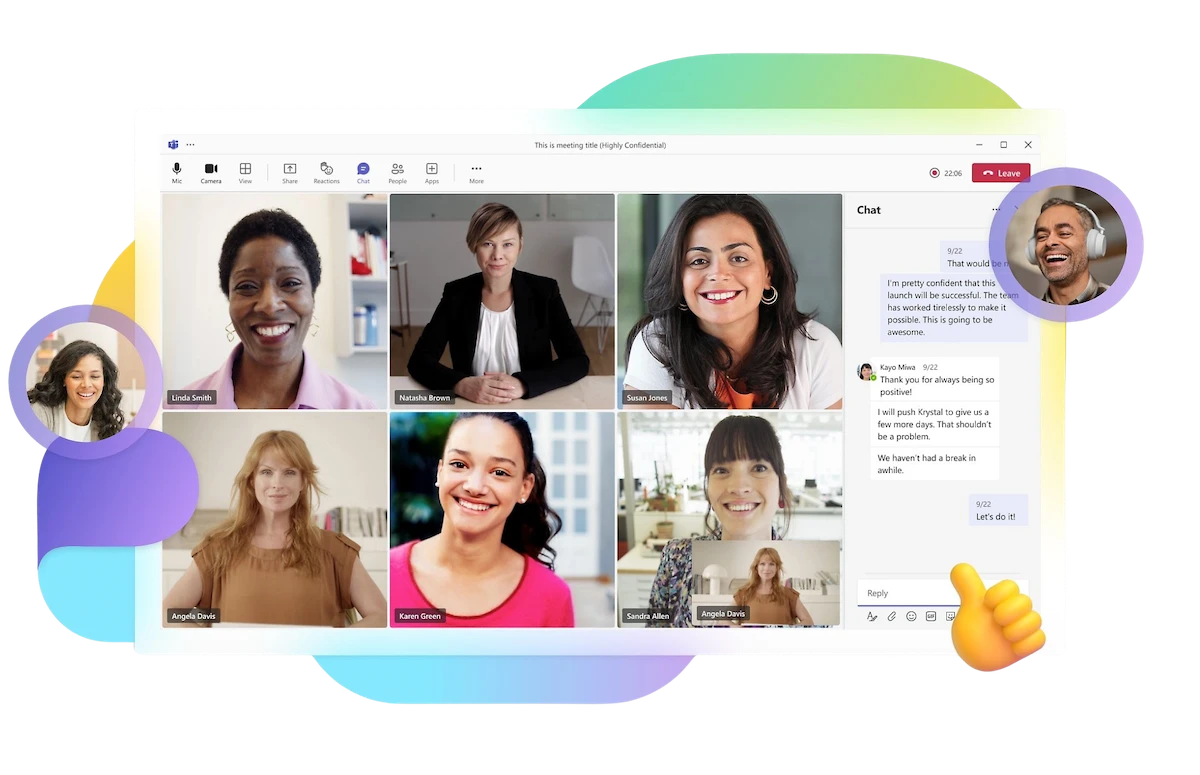
Attend interactive live sessions with instructors and ask questions to keep progressing. Missed a session? A replay will be available so you don't miss anything.
Benefit from small-group coaching sessions and 1:1 meetings to remove roadblocks, structure your plan, and stay on track.
Work on real digital use cases—websites, marketing campaigns, entrepreneurial projects—to build a portfolio and gain real experience.
Access structured resources (materials, replays, practical guides) and learn to use AI as a tool to save time and level up your skills.
Make progress anywhere, anytime, with our mobile apps dedicated to each program (progress tracking, practice, reminders, supplementary content).
Prepare for your exams with mock exams, detailed feedback, and support toward an internship or a freelance project to validate your skills.
You want to change careers and move into the digital field, even without a technical background. We support you step by step to learn the fundamentals, structure your plan, and target your first role.
You are already employed and want to advance your career, secure your position, or prepare a transition to a more digital role. Learn at your own pace without interrupting your work.
You are in initial training or have just graduated, and you want to gain practical, job-ready skills to boost your employability in the digital sector.
You live abroad and want to follow a recognized distance-learning program, with the option to take your exams remotely or at one of our campuses depending on your situation.
Access the full replays of our past cohorts at a more affordable price, and progress at your own pace when you can’t join the next intake.

These companies are hiring for the skills we train: Phenomenix · Infosys · Haystack · Neosoft · AVELSEN · Niji · Klanik · Amiltone · SII Germany · Thales · fortil · Synchrone Fr · CGI · Aubay Luxembourg · Jobot · Mercier Consultancy MD · EY · OK JOB SA · Deloitte · Sogeti · weplace® · Sopra Steria · SII Group UK · UFO² Consulting · Michael Page